Features
Attribute Library
Save frequently-used attribute set names as favorites so you can reuse them quickly when adding new attributes.
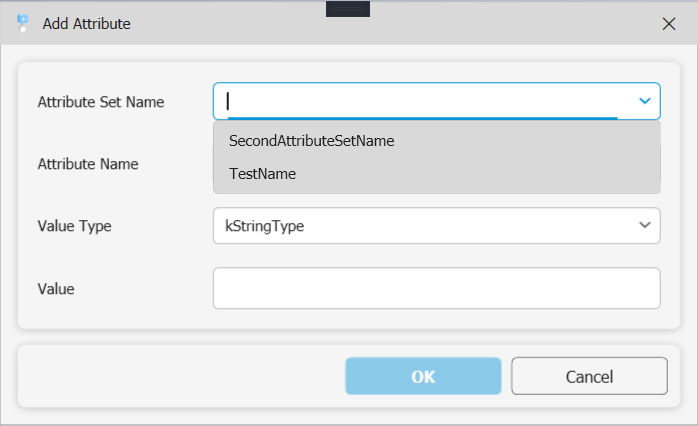
The Attribute Library is a personal list of attribute set names you use regularly. When you open the Add Attribute dialog, saved names appear as quick-select options — no retyping needed.
Managing the library
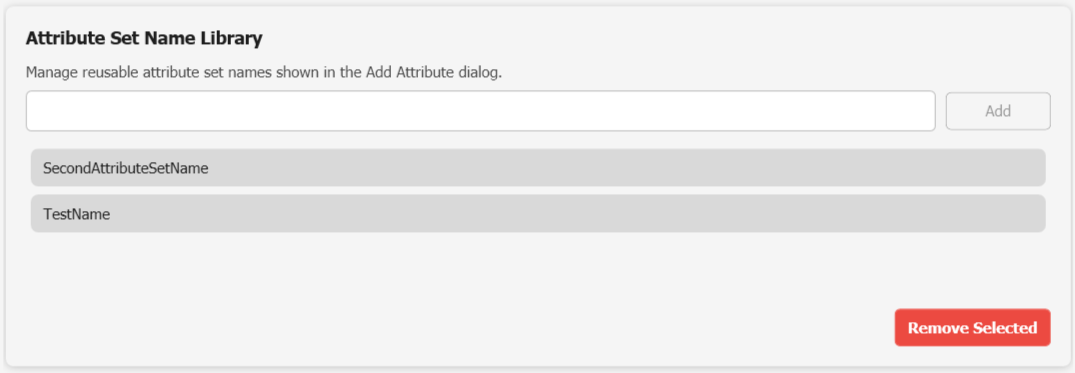
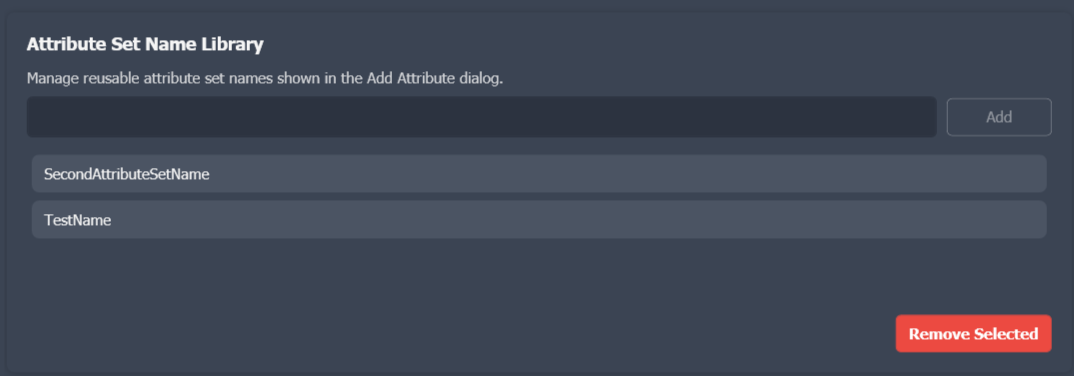
Open the library from Settings → Attribute Library.
| Action | How |
|---|---|
| Add a name | Type the attribute set name in the input field and click the add button |
| Remove a name | Select a name from the list and click the delete button |
The library is stored at:
%APPDATA%\ExtrabbitCode.Attributes\attributelibrary.jsonUsing the library when adding attributes
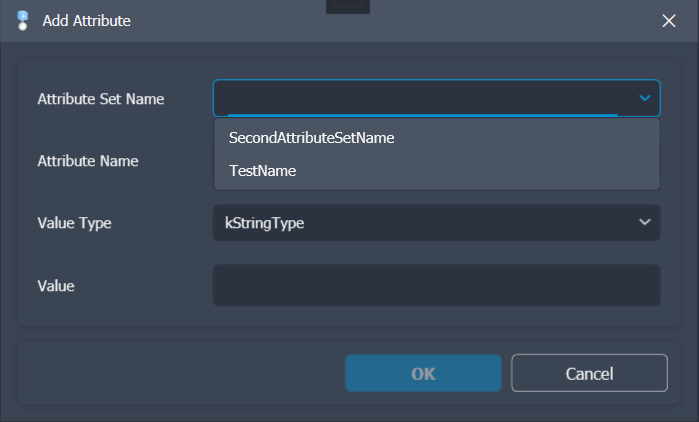
When the Add Attribute dialog is open, click the dropdown next to the Attribute Set Name field to see your saved names. Selecting one fills the field instantly.
This is especially useful when you consistently use the same attribute set names across many documents or components.