Features
Auto-Refresh
Keep the attribute panel automatically in sync with whichever document is currently active in Inventor.
When Auto-Refresh is enabled, the Attribute Browser updates automatically whenever you switch to a different open document in Inventor. There is no need to manually trigger a refresh — the tree always reflects the active file.
Enabling or disabling
Go to Settings → Update Attributes on Document Switch and toggle the option.
| State | Behaviour |
|---|---|
| Enabled (default) | Tree refreshes whenever the active Inventor document changes |
| Disabled | Tree only refreshes when you click the manual refresh button |
When to disable
Auto-Refresh can be turned off if you are working with very large assemblies where the refresh causes a noticeable delay. With it off you stay in control of when the panel updates.
Manual refresh
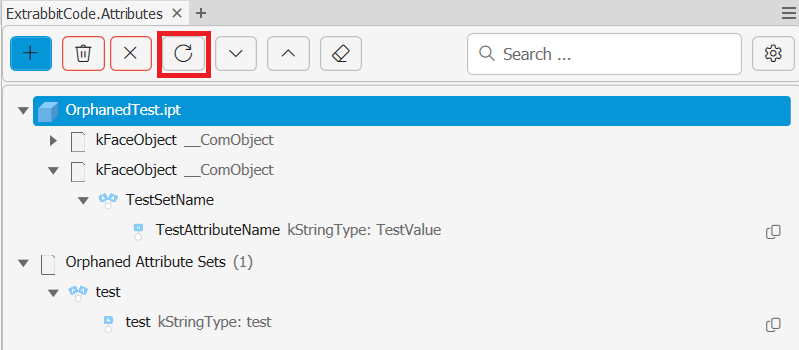
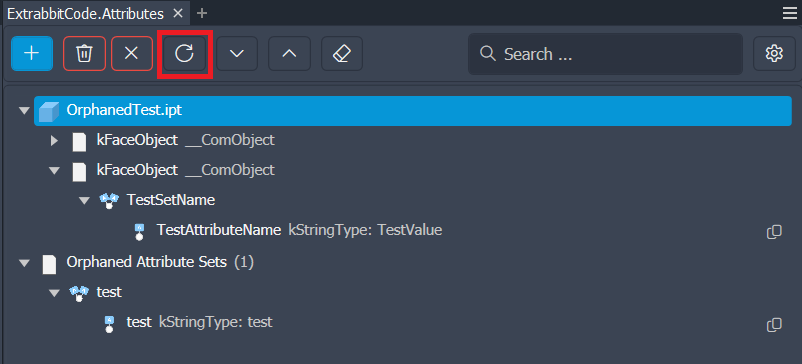
The toolbar always includes a Refresh button. Use it to trigger a refresh at any time regardless of the Auto-Refresh setting.