Features
Copy to Clipboard
Copy any attribute value directly from the tree for use in other tools.
Any attribute value in the tree can be copied to the clipboard without opening an edit dialog.
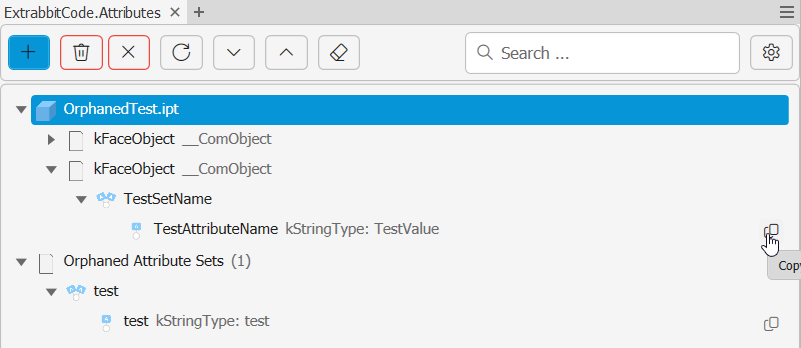
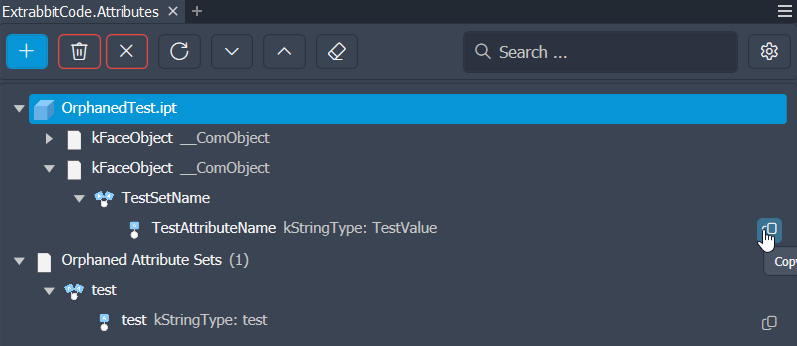
How to copy a value
Select an attribute node in the tree and use the Copy action (toolbar button or right-click context menu). The attribute's value is placed on the system clipboard and can be pasted anywhere — a spreadsheet, a note, another application.
What is copied
Only the value of the selected attribute is copied — not the attribute name or set name. The value is copied exactly as it is stored.
Copying JSON or XML formatted
For attributes whose value is JSON or XML, right-click the attribute and select Copy Formatted Value to copy an indented version instead. See JSON & XML Values.