JSON & XML Values
String attributes that contain JSON or XML are recognized, shown formatted, and can be edited in a readable layout.
Many add-ins store structured data as JSON or XML inside a single string attribute. The add-in recognizes these values automatically and makes them readable.
A value is recognized when it is a String attribute that starts with { or [ (JSON) or < (XML) and is well-formed.
In the attribute tree
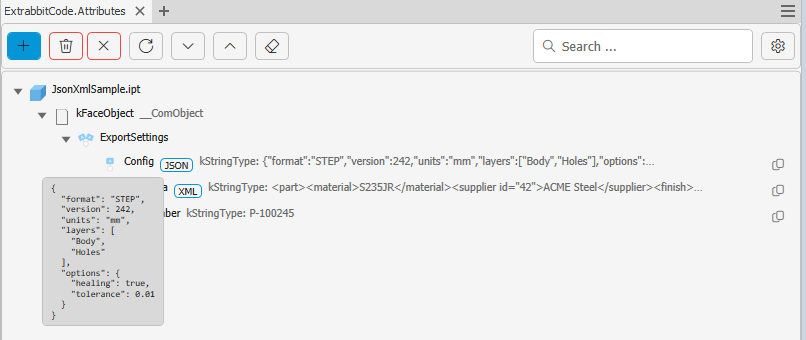
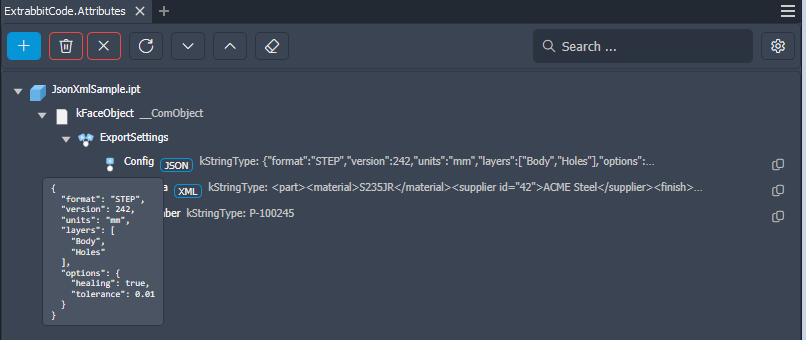
- Recognized values get a small JSON or XML badge between the attribute name and its value.
- The value is always shown on a single line in the tree, even if it is stored indented. Values longer than 80 characters are shortened with
…. - Hover the attribute to see the value indented in a tooltip. Very long values are cut off after 40 lines.
- Right-click the attribute and select Copy Formatted Value to copy the indented version to the clipboard. The regular copy button still copies the value exactly as it is stored.
In the edit dialog
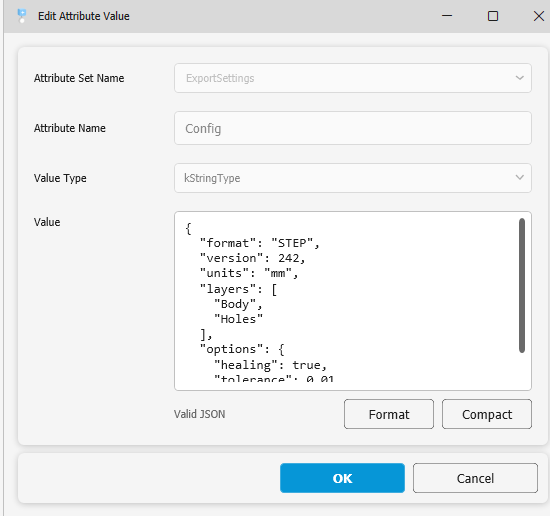
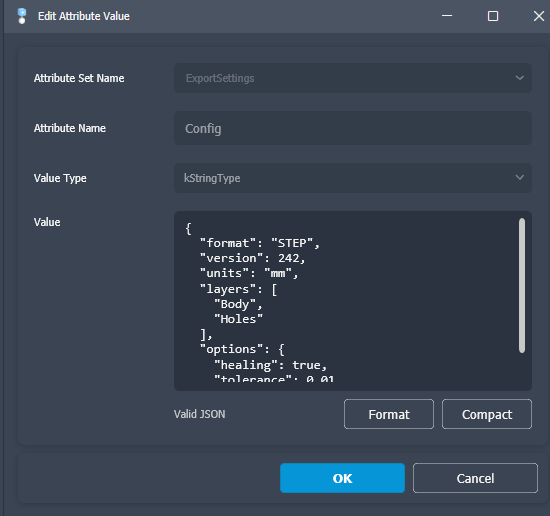
The Add / Edit dialog uses a multi-line value editor for String attributes and can be resized. When the value is JSON or XML:
- Editing an existing value opens it indented so it is easy to read.
- A status line shows whether the value is valid JSON/XML. Invalid values can still be saved; they are stored as plain text.
- Format indents the value, Compact puts it on a single line without extra whitespace.
Formatting an existing value for editing does not change what is stored. If the value was stored on a single line, it is compacted again when you save. If you did not change the content, the original value is written back unchanged.
When XML is formatted, whitespace between elements is not preserved. XML with a DTD (<!DOCTYPE …>) is not formatted for security reasons and is treated as plain text.